AI Video Effects

Loading effects...

Create Shareable AI Effect Videos in Minutes

Upload one photo, choose an effect template, and generate a ready-to-share short video in a few clicks.

Create Social-Ready Clips Fast

Turn static photos into dynamic short videos for your feed, campaigns, and product storytelling.

Social-ready AI video effects

Use Rich Effect Styles

Pick from cinematic, playful, emotional, and transformation styles to match different creative goals.
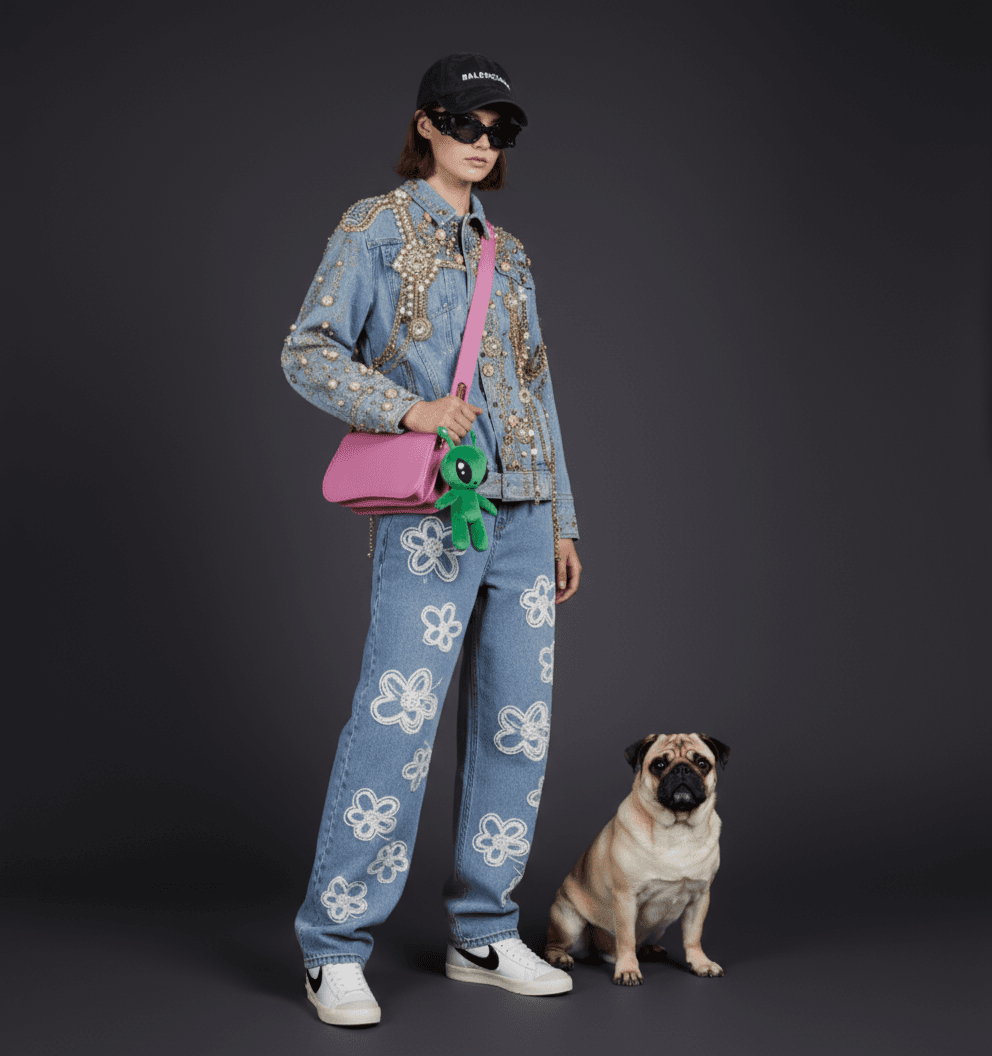
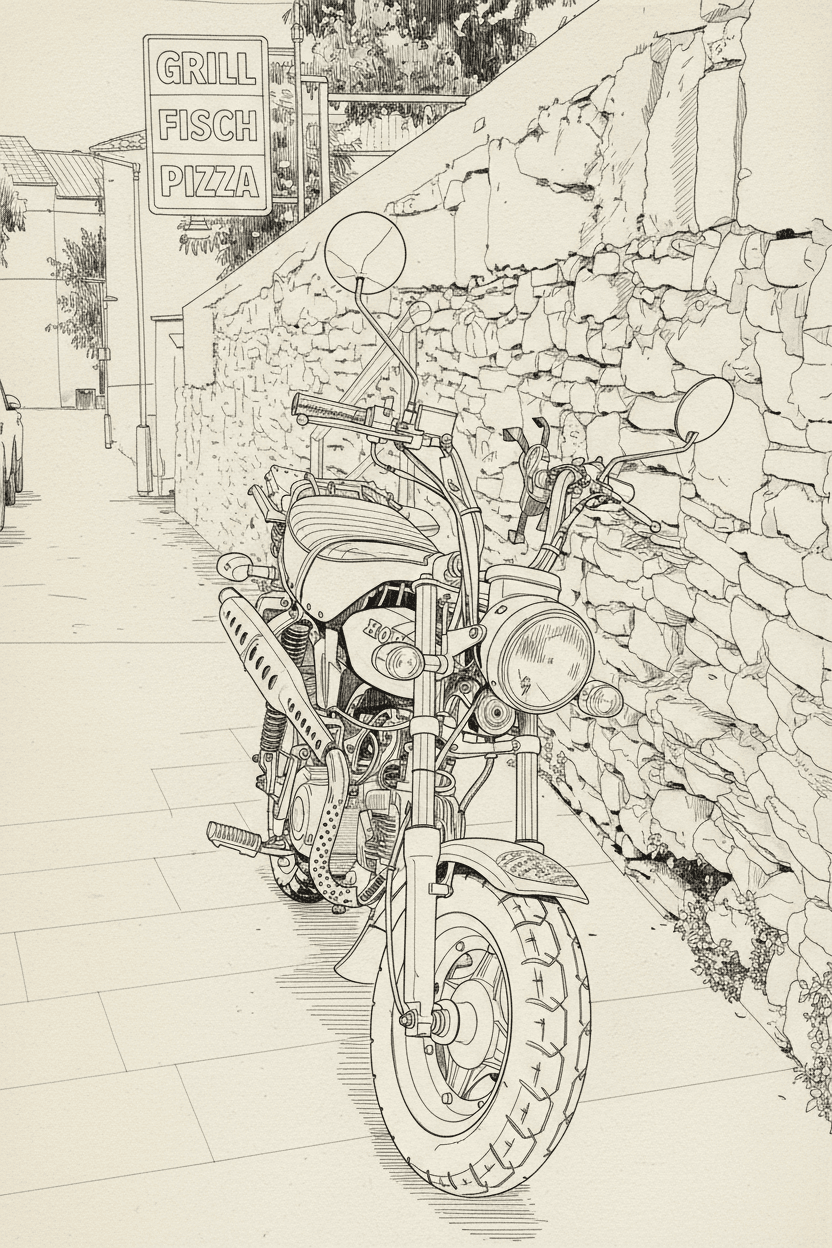
Effect style examples

Great for Creator Experiments

Test multiple ideas quickly with template-based workflows, then keep the best version for publishing.

Creator experiments with AI effects

From Photo to Story Moment

Add motion and atmosphere to personal photos so each frame feels more expressive and memorable.

Photo to story clip

How to Create with AI Video Effects

Three simple steps from photo upload to final download.

Step 1: Pick an Effect

Choose a template from the effects list based on your goal.

Step 2: Upload a Clear Photo

Use a clean, high-quality image for better output details.

Step 3: Generate and Download

Generate the video, preview the result, and download your final file.

FAQs

Common questions about AI video effects on Zimagic.